Your server.
Your rules.
Deploy Web apps, APIs and background Workers on your own server. Connect Git, inspect releases, roll back and give your team the access they need. One dashboard for one Ubuntu host.
More ways to run.
A clearer way to operate.
HTTP services or background processes, with separate lifecycles and practical recovery steps.
Web, with or without a domain.
Deploy an internal API first. Add a domain and managed Nginx/TLS when you need a public route. Access still follows your app binding and firewall.
See how it worksA home for background Workers.
Run long-lived Node.js, Bun, Go and Python scripts. No Portal port or HTTP probe; check process stability and inspect your job results separately.
See how it worksMaintenance with a recovery path.
Coordinate participating host operations during updates, keep consistent state snapshots and recover managed installation changes after failures.
See how it worksLess juggling.
More building.
Practical tools for your own infrastructure, with clear boundaries at every step.
From commit to live.
Sync your branch, prepare a release, check health and activate. Keep a working release ready for rollback.
Read the guide 02 / COLLABORATEA place for your team.
Organize projects and repository credentials. Give each member the access they need with explicit permissions.
Read the guide 03 / OPERATEKnow what is running.
Follow active revisions, logs and host health. Connect domains and TLS through a constrained host helper.
Read the guideFind the task.
Keep your context.
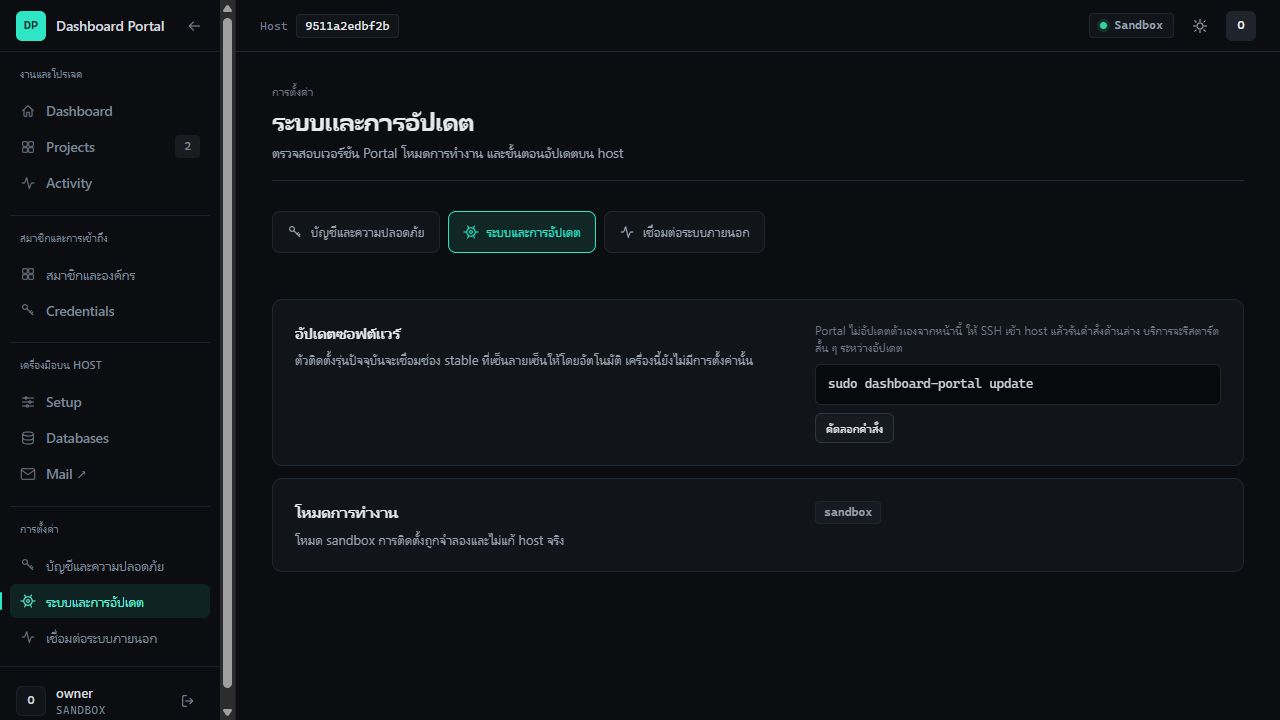
Projects, team access and host tools have their own groups. Account, updates and Monitor integrations each have a dedicated Settings page.
Three doors. Your choice.
Try the interface locally, then take it to your real Ubuntu host when you’re ready.
Documentation grounded in the source. Audited against v1.0.0 · 2026-10-15
See what changed